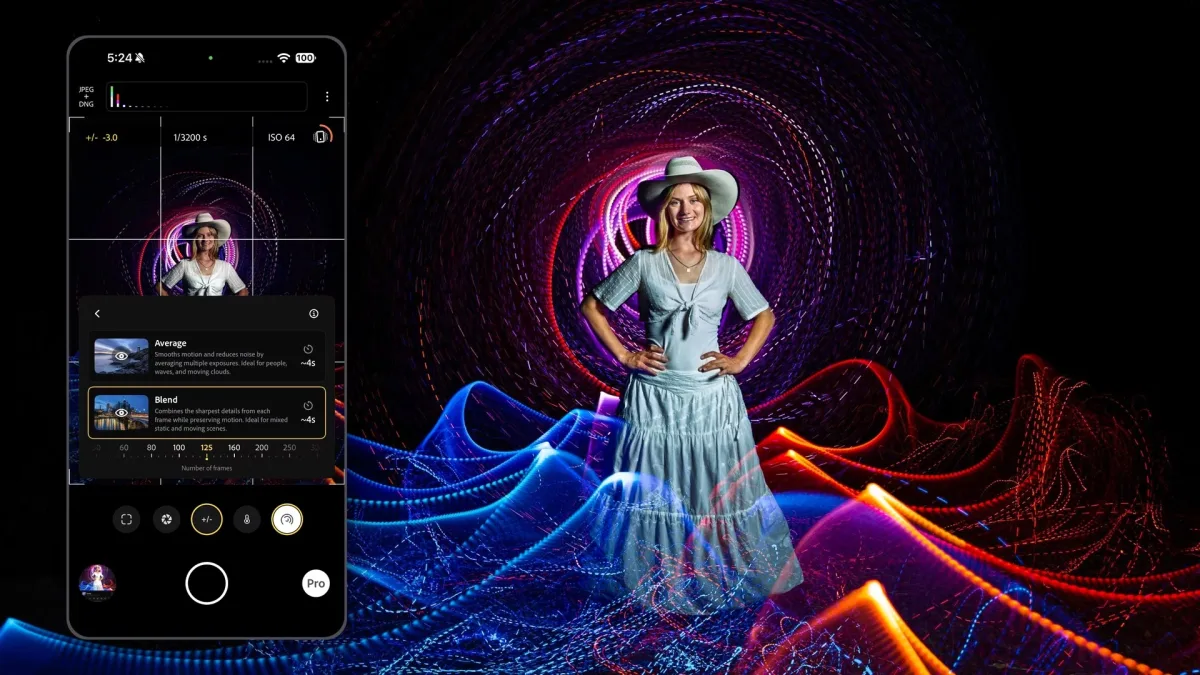
Adobe has introduced a Long Exposure mode to Project Indigo, its complimentary experimental camera application designed for iPhone users. The feature enables mobile photographers to transform flowing water into soft mist, vehicle lights into luminous streaks, and handheld lights into aerial drawings—effects traditionally requiring dedicated camera equipment.
The technical challenge stems from iPhone sensors' inherent limitations: as exposure times lengthen, image quality deteriorates. Single iPhone exposures max out at one second, whereas longer captures—including the native Night mode—stack multiple shorter frames together. Project Indigo's new capability operates similarly, combining numerous frames into a single simulated long exposure by merging hundreds of short captures to bypass the one-second constraint.
Adobe researchers Florian Kainz and Marc Levoy explained the approach in a Wednesday blog post. The Long Exposure mode, which debuted within Night mode when Project Indigo launched in 2025, now operates as its own dedicated mode alongside Photo and Night options. The viewfinder displays a live preview as the exposure accumulates.
Two Distinct Blending Styles
Photographers can determine how many frames to capture, with an infinite setting enabling over 1,000 frames and manual stopping. Project Indigo then combines them using one of two approaches.
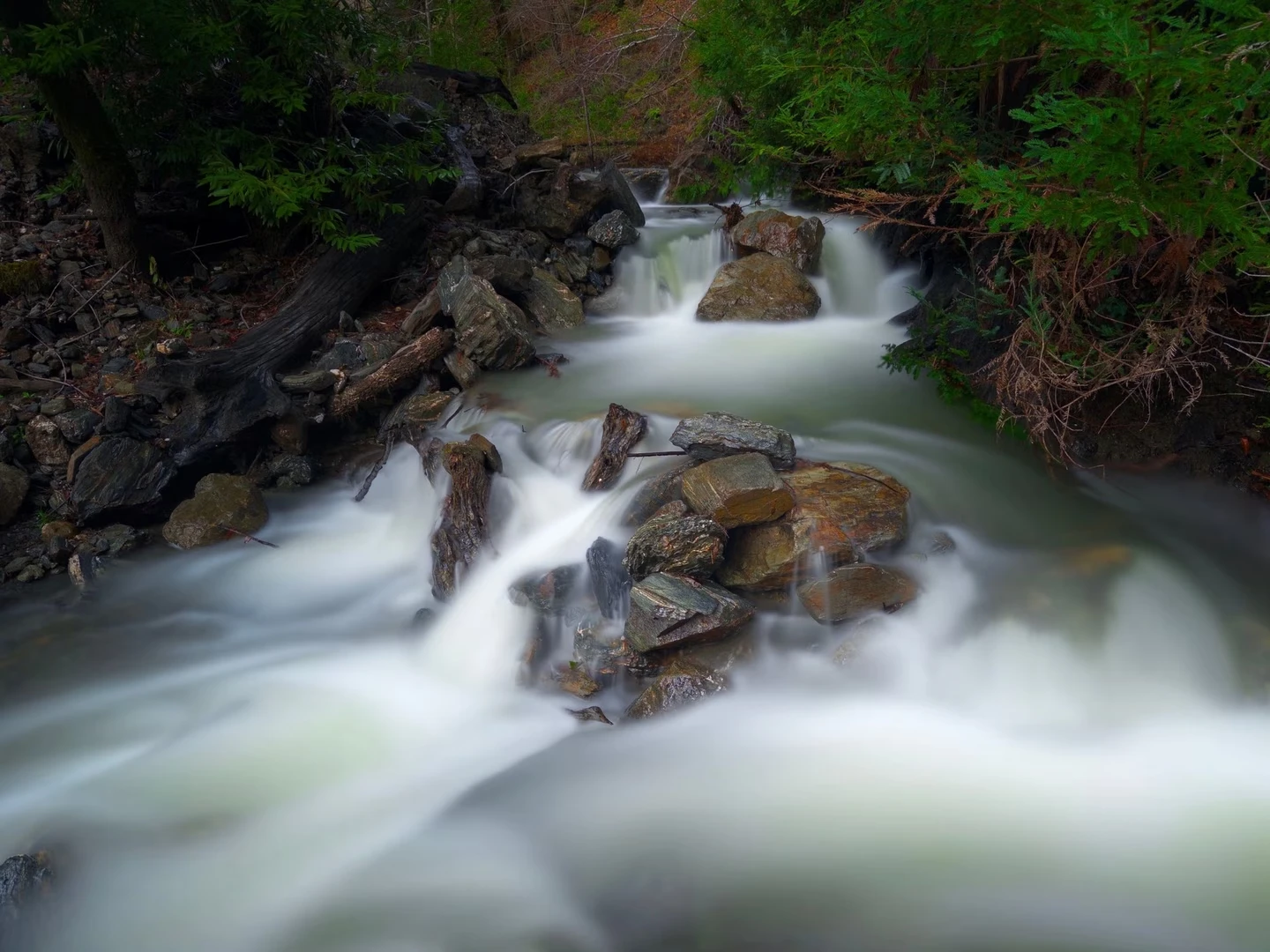
The Average method calculates the mean across every frame. Adobe suggests this works well for waterfalls, waves and rapidly shifting clouds, and can effectively eliminate people or vehicles from crowded locations.
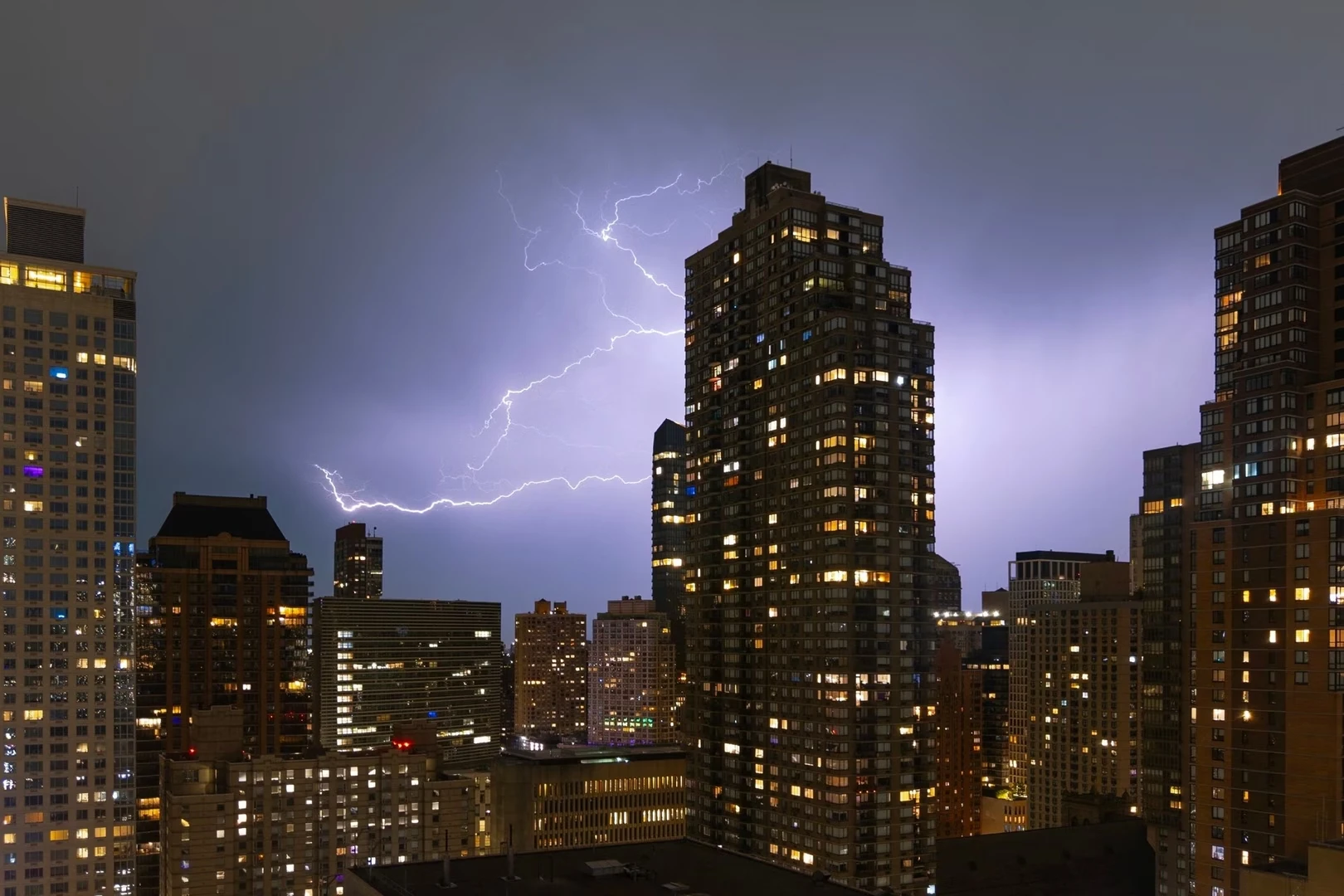
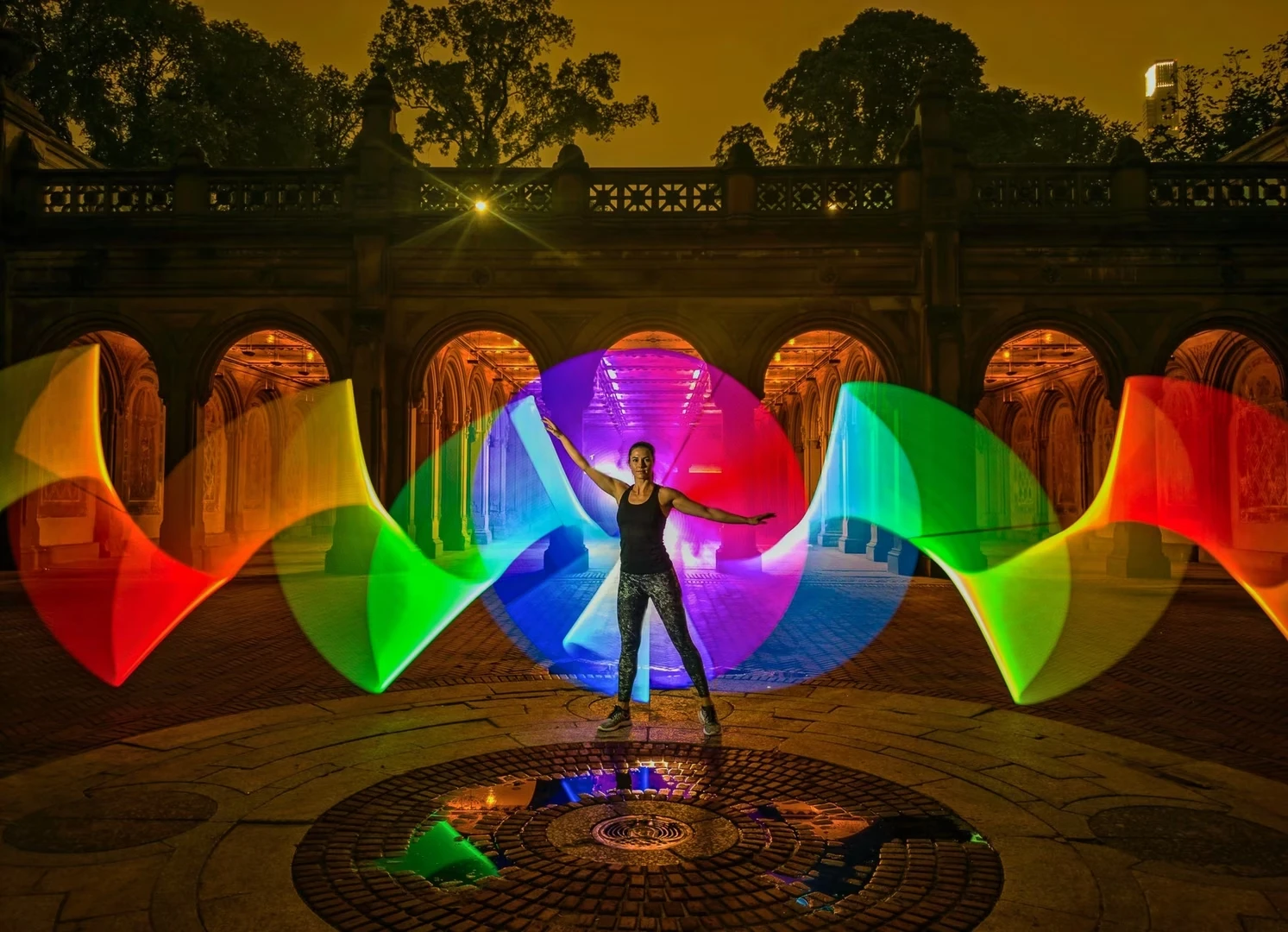
Blend merges that average with the brightest value each pixel achieved, preventing brief light bursts from diminishing as frame count increases. Adobe recommends this for automobile light trails, fireworks, lightning and light painting.
Unlike Project Indigo's Photo and Night modes, Long Exposure forgoes frame alignment before merging. Complete camera stability is essential, ideally using a tripod. Kainz and Levoy stated: "Long Exposure mode is not intended for quick snapshots. It works best for pictures taken with deliberate intent."
Manual Controls and iPhone 18 Pro Features
Project Indigo captures at most 30 frames per second. For light trail photography, the researchers recommend a shutter speed slower than 1/30 s, otherwise trails display visible gaps.
On iPhone 18 Pro and Pro Max models, Project Indigo accesses the primary camera's adjustable aperture. Shifting from the standard f/1.8 to f/2.8 or f/4.0 reduces incoming light by 2.4 or 4.9 times respectively. For certain compositions, this eliminates the requirement for a neutral density filter, they noted.
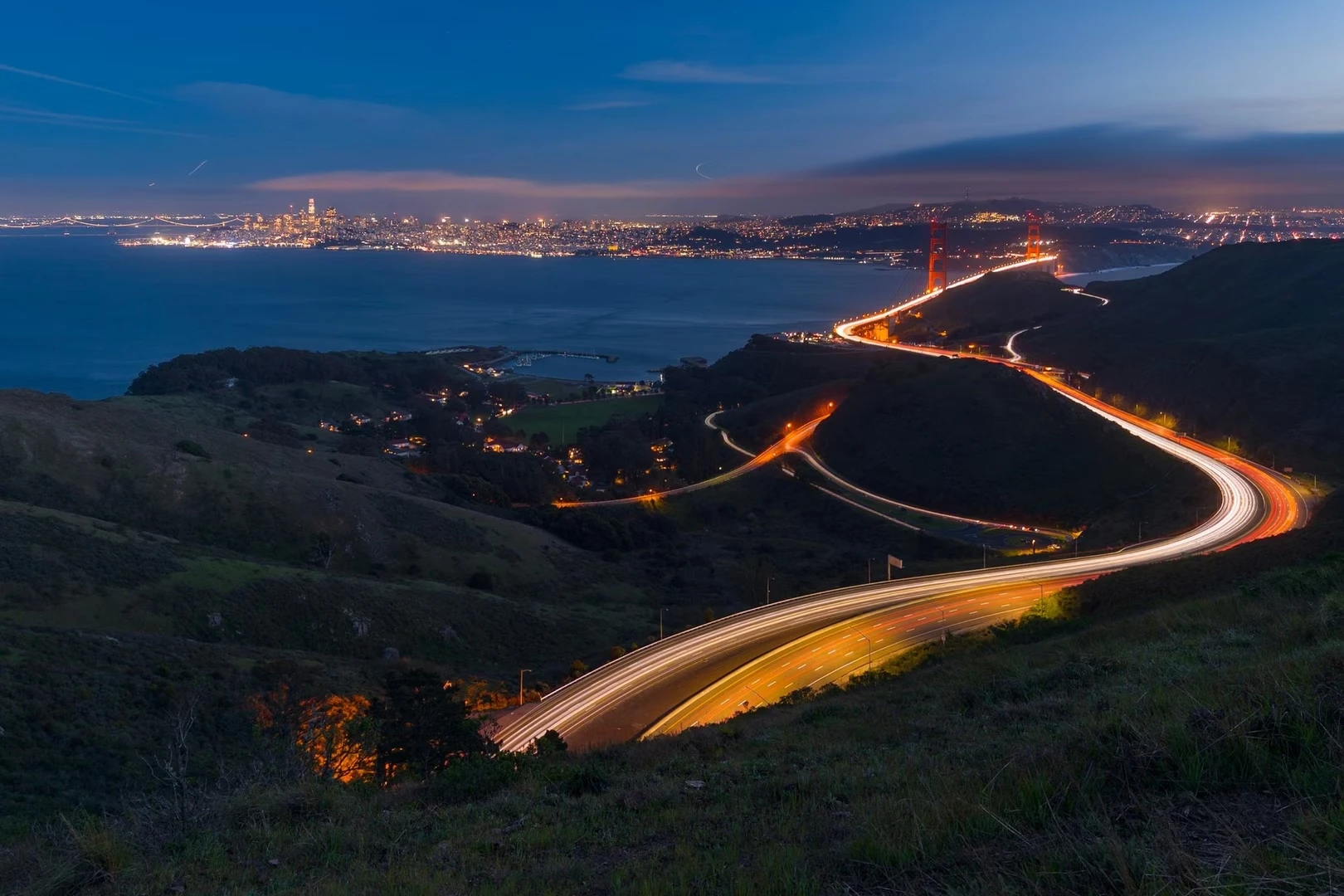
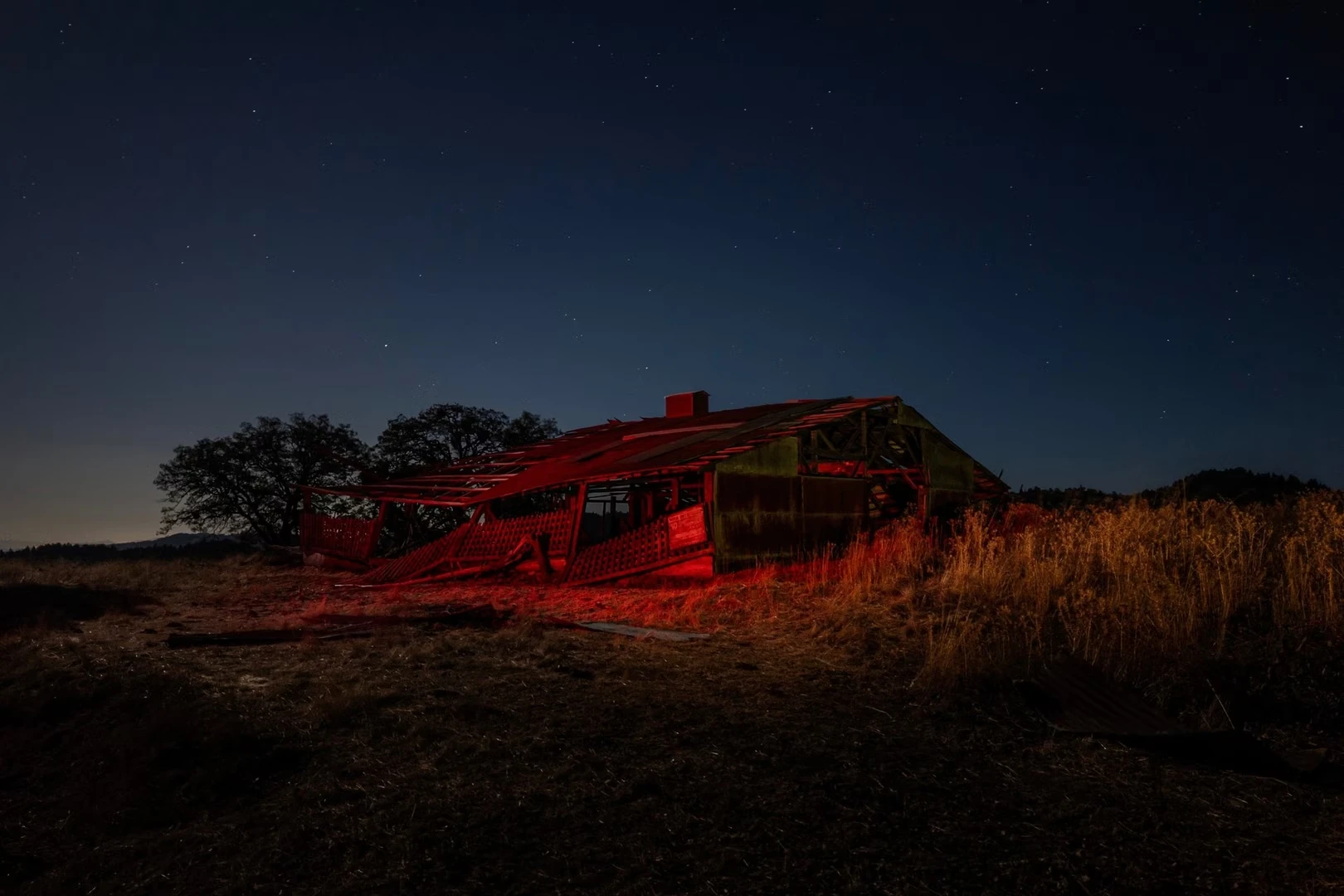
The blog post showcases light paintings created with the new mode by professional photographer Susan Magnano, along with guidance for capturing fireworks, steel wool and lightning.
Future Development Plans
Mohammad Haque and Yuting Yang, working with Adobe's Nextcam team, developed this mode. The researchers indicated they are exploring tripod-free long exposures, exposure bracketing and Milky Way photography during moonless evenings.
Project Indigo remains free via the App Store and operates on iPhone 12 and 13 Pro models plus all devices from the 14 series forward, requiring iOS 18.5 or later. Adobe suggests an iPhone 15 Pro or newer for optimal performance. Users can also access it through Lightroom Mobile via its Tech Preview setting. A previous Project Indigo update introduced an AI playground for photo editing. Levoy previously directed camera development for Google's Pixel phones before joining Adobe.
Practical Experience and Limitations
Testing Project Indigo on an iPhone 16 Pro Max without a tripod—precisely what Adobe cautions against—revealed the mode's strict requirements. The Project Indigo community forum confirms handheld capture remains unsupported in Long Exposure. Handheld attempts at light streaks demonstrated that both styles demand absolute camera stillness and considerable experimentation.
Despite these constraints, the application proves remarkably capable. Conventional cameras require slow shutters, precise exposure metering and frequently an ND filter to achieve comparable effects. Project Indigo constructs them from stacked frames while displaying the image forming in real time within the viewfinder—a feature comparable to Live Composite on OM System cameras, previously Olympus, and Live View Composite on certain Panasonic Lumix models. Few cameras offer this capability, and fewer still fit inside a pocket.
The application targets manual-mode photographers. Its viewfinder includes a live histogram, zebra stripes highlighting clipped highlights, a level and a grid. The Pro controls unlock focus, shutter speed, ISO, exposure compensation and white balance, plus frame counting in Night mode. Output formats include JPEG, raw DNG or both.
Zoom steps designated SR employ multi-frame super-resolution. On the test device, 10x magnification doubled the 5x telephoto capability, and a 10x photograph of a framed print under dim lamplight rendered sharp. Super-resolution disables in Long Exposure, so Adobe advises restricting use to 0.5x, 1x and telephoto lenses there.
The device experienced minor warming, comparable to Cinematic mode filming or reel scrolling. Adobe notes Project Indigo performs substantial processing and may require several seconds per image.
Not Beginner-Friendly
Project Indigo's Photo mode functions like standard camera applications. Long Exposure operates differently. It demands consideration of shutter speeds, ISO and, under bright conditions, ND filters. Adobe itself characterizes the mode as less automatic than typical smartphone photography, cautioning that Pro Controls might overwhelm beginners, though reverting to auto erases any missteps.
Those unfamiliar with shutter speed concepts will likely find it challenging. For experienced photographers, having such sophisticated tools accessible on a phone through a free application represents a genuinely compelling proposition.
Source: The Next Web