
Twelve months ago, an AI app builder meant software that produced a convincing visual mockup. Today's leading platforms deliver something fundamentally different: a functioning application that a team can immediately access, complete with a properly structured database, pages that interact with those records, and an authentication layer with role-based access controls built in. The conversation has shifted from whether the tool can render a screen to whether the resulting application runs on data the organization already maintains and whether non-technical staff can modify it without engineering support.
This shift determines how these eight platforms compare. Each can generate an application from a text description, but they diverge significantly in what happens after deployment—differences that become apparent once a marketing director, operations manager or startup founder begins using the tool in earnest.
What separates the leading platforms
- Scope of AI generation: Does the system produce the data structure, business logic and permission rules, or only the user interface?
- Integration with existing systems: Can the application layer on top of Airtable, HubSpot, a SQL database or a spreadsheet with bidirectional synchronization, or does it require data migration?
- Authentication and access control: Are login functionality, user groups and granular permissions available out of the box for both internal and external users?
- Post-generation customization: Once created, can a non-technical person modify the application through a visual interface, or do all adjustments require returning to a prompt or editing code?
- Cost structure: Does the platform charge per application user, per seat, per credit or per token, and what constraints apply when limits are reached?
- Trial accessibility: Does a free tier enable genuine experimentation rather than just a limited demonstration?
The eight platforms
1. Softr
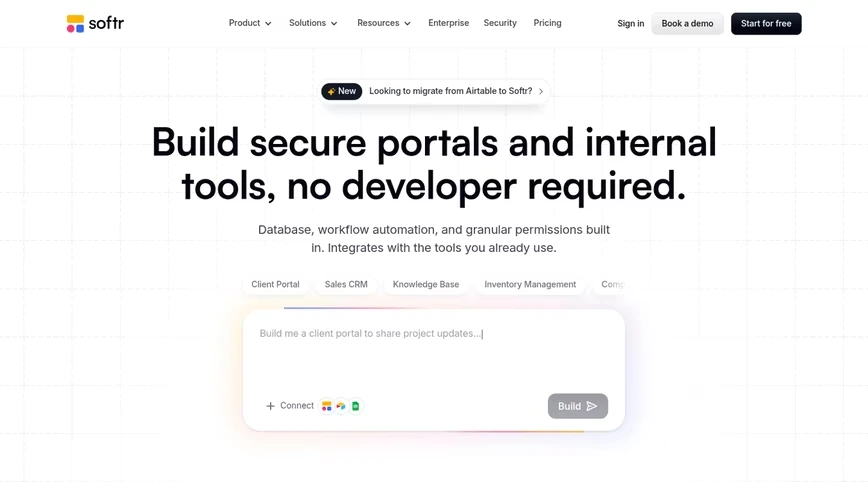
Softr specializes in building secure client portals, internal business tools and operational applications without requiring code expertise. It leads this evaluation because of its approach to existing organizational data. Describe your application in natural language, and the AI Co-Builder constructs the underlying database structure, application pages, user groups and permission settings—all connected and prepared for immediate use. The Co-Builder can subsequently assist with workflow configuration. Point the system toward an existing Airtable base, HubSpot account, SQL database, Google Sheet or Notion workspace, and the application operates directly on that data; alternatively, begin fresh using Softr Databases, the platform's own relational database system.
After the initial build, users are not confined to text prompts. Switch to the visual editor to adjust business logic, manage access controls and permissions, or introduce new functionality independently, then return to the Co-Builder for substantial modifications. This workflow avoids generating code that requires ongoing maintenance, distinguishing a properly managed platform from hastily constructed applications that eventually need engineering resources for debugging, hosting and security. Administrators have complete visibility; clients see exclusively their own records, with these restrictions enforced server-side.
The platform encompasses databases, applications, workflows and form builders in a single product. Data remains stored in Frankfurt under GDPR compliance with a SOC 2 Type II certification. An MCP server allows builders working in Claude, ChatGPT or Codex to construct and modify Softr applications directly without consuming AI credits on any subscription tier. Customer support involves actual people, including a dedicated Slack channel and a customer success manager for Enterprise accounts. Pricing is based on application users at a fixed rate rather than per-seat licensing, preventing a 500-client portal from requiring 500 separate licenses. The limitation: applications are optimized for desktop viewing (though responsive and installable as PWAs), which may not suit mobile-dependent field teams.
Key features
- AI Co-Builder generates database structure, pages, user groups and permissions from a single description, then assists with workflow setup
- Visual editor and prompt mode work interchangeably at any stage, producing no code to maintain
- Native Softr Databases plus live connections to over 21 external data sources
- User groups, detailed permissions and organization-wide data restrictions at the record level
- Softr Workflows, Softr Forms, Ask AI and Database AI Agents integrated into the same platform
- Softr MCP for building from Claude, ChatGPT, Codex or Cursor
Key integrations
- Airtable
- HubSpot
- Google Sheets
- Notion
- PostgreSQL, MySQL and SQL Server
- Zapier and Make
Starting price: Free plan with unlimited apps, five app users and 5,000 records. Basic $19 a month, Pro $99, Business $329 on annual billing; Enterprise quoted, with SSO, SCIM and audit logs.
2. Lovable
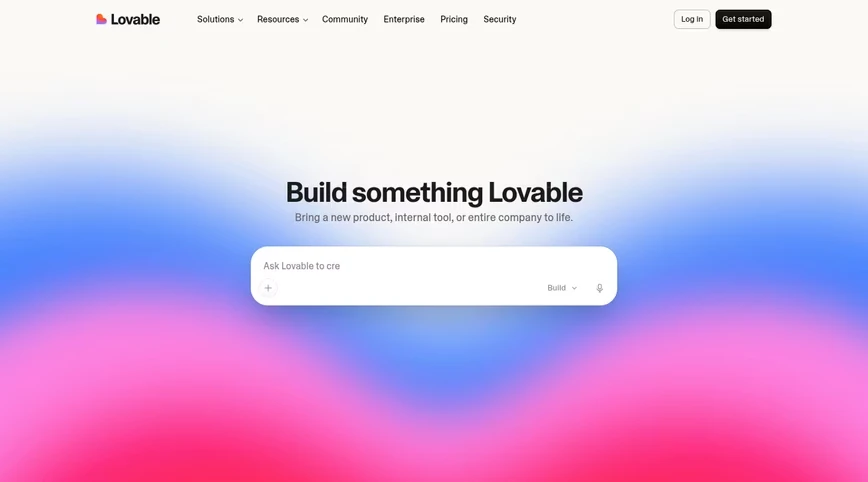
Lovable generates complete web applications through conversation. Provide a product description, and the system writes a React frontend and configures a Supabase backend with authentication and storage, then presents a live preview that improves through iterative prompting. Code synchronizes with GitHub and can be exported, enabling developers to continue development in standard environments. Lovable targets the transition from conversational description to a shareable full-stack prototype, and G2 reviewers award it 4.6 stars across 428 evaluations.
Limitations emerge when prototypes encounter actual users. Lovable lacks built-in permission controls for business applications, so distinguishing between client and staff access requires custom coding. Reviewers also note unpredictable credit consumption, where minor modifications sometimes disrupt unrelated sections of larger projects. Every prompt-based adjustment consumes credits, including purely visual changes. The output is code the team owns, which means code the team must host, secure and maintain—a requirement that typically necessitates developer involvement before long.
Key features
- Conversation-based generation of React and TypeScript applications with Supabase backend
- Live preview with a visual edit mode for minor adjustments
- Agent Mode for multi-step independent tasks
- GitHub sync and code export
Key integrations
- Supabase
- GitHub
- Stripe
- Figma import
Starting price: Free plan with a daily credit allowance. Pro is $25 monthly and includes 100 credits; Business is $50; Enterprise pricing is quoted.
3. Base44
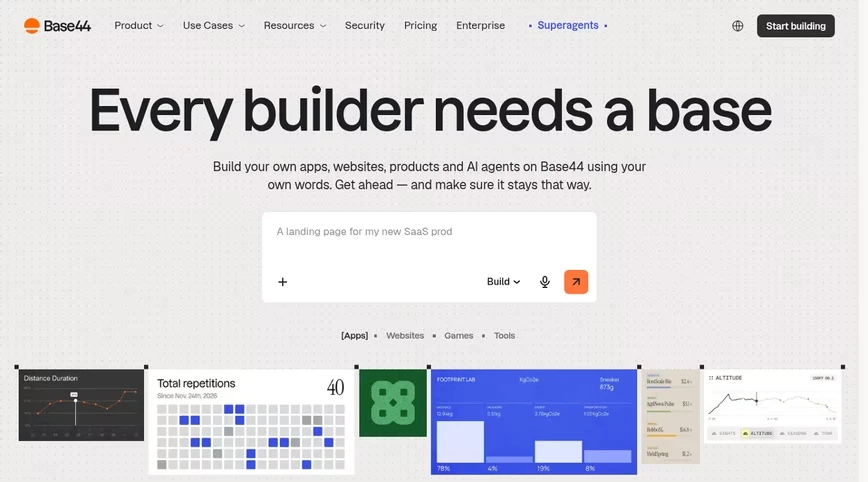
Base44 positions itself as a rapid-prototyping platform that transforms concepts into functional applications or websites without code. It bundles more components than competitors: frontend, hosted data storage, user authentication and deployment all emerge from a single prompt, supplemented by agents and GitHub export capabilities. For entrepreneurs testing an idea without coding skills, the comprehensive package eliminates substantial setup work.
That same comprehensiveness creates constraints. Data remains confined within Base44's proprietary database with limited pathways to external systems, permission controls remain basic, and application behavior follows logic the AI generated, which resists examination or modification without additional prompting. Exporting code to escape these limitations means inheriting a project requiring independent security management and ongoing maintenance. The platform uses message credits for pricing, and reviewers observe that both trivial and complex prompts consume identical credit amounts, causing minor changes to accumulate costs. G2 ratings show 3.8 across 44 reviews, with responses clustered at five-star and one-star extremes, and support quality cited as a recurring concern.
Key features
- Prompt-to-app generation with integrated database, authentication and hosting
- AI agents embedded within applications
- GitHub export
- One year of a custom domain included on paid plans
Key integrations
- GitHub
- Email and calendar connectors via integration credits
- Payment processing
- Wix (parent company) services
Starting price: Free plan with a small credit allowance. Starter at $16 monthly, Builder at $40 with 250 message credits, then Pro ($80) and Elite ($160).
4. Bubble
Bubble represents the established no-code platform for constructing complete web and mobile applications, and its current iteration emphasizes AI capabilities: request a starting point through prompting and continue within an editor where layout, data structure, business logic and security rules coexist in one environment. For applications requiring fully custom layouts, motion effects or distinctive branding, Bubble provides greater frontend flexibility than competing platforms, and no other no-code tool maintains a comparable plugin ecosystem.
This flexibility requires investment in learning. Reviewers consistently mention a steep learning curve, and essential business features such as login interfaces, user onboarding sequences and role-specific access controls demand manual implementation rather than arriving as standard features. Bubble charges based on workload units, with 50,000 monthly included at no cost and additional units available through Starter, Growth and Team plans—a metering approach that proves harder to budget than headcount-based pricing. Starter has been documented near $29 monthly with annual commitment.
Key features
- AI generation combined with pixel-level visual editing
- Native output for iOS and Android alongside web
- Integrated database and workflow engine
- Extensive marketplace of plugins and templates
Key integrations
- Stripe
- Zapier
- OpenAI and other APIs via plugins
- Google services via plugins
Starting price: Free plan capped at 50,000 workload units monthly; Starter, Growth and Team tiers meter more units. See Bubble's pricing page for current dollar figures.
5. Glide
Glide constructs internal business applications and agents from spreadsheets or text descriptions, and it stands out as the most mobile-optimized option among these eight. Feed it a Google Sheet, an Excel workbook or a Glide Table, or provide a written description, and the result appears native on mobile devices with minimal design effort required. On G2, where its Glide Classic listing averages 4.7 across approximately 820 reviews, users particularly praise the approachability of the editor for first-time builders.
Glide encounters difficulties with scaling and structural complexity. Reviewers cite pricing that escalates significantly as usage increases, an application structure that remains fixed and constrains design as requirements evolve, and challenges managing intricate data relationships and permission schemes. Plans meter both credits and team members, data sources beyond spreadsheets remain limited, and external users incur stepped cost increases.
Key features
- Spreadsheet-to-app and prompt-to-app generation
- Mobile-first layouts with a consistent component library
- AI columns and agents for data operations
- Template collection for typical internal tools
Key integrations
- Google Sheets
- Excel
- Airtable
- BigQuery (higher plans)
Starting price: Free plan with limited credits. Basic $25 a month, Plus $50, Pro $125 (credits and member counts scale the price), Enterprise custom.
6. Retool
Retool serves engineering teams constructing administrative interfaces and data visualizations across any database, API or model. Its AI capabilities now generate application scaffolding and compose queries from descriptions. Git-based version management, comprehensive audit trails and role-based access control have matured over years of development. Self-hosting is available, and the connector catalog approaches universal coverage.
Retool assumes technical expertise. SQL and JavaScript carry the application logic, access rules and row-level filtering; setup proves complex for non-developers. G2's summary of complaints begins with the learning curve and feature gaps requiring workarounds. Client-facing portals demand engineering effort for authentication and user onboarding, and both builders and end users incur per-user charges, an arrangement that becomes expensive with external audiences.
Key features
- Components positioned on a canvas and connected to SQL or API queries
- AI application and query generation
- Git-based version control and audit logs
- Self-hosted deployment option
Key integrations
- PostgreSQL, MySQL and Snowflake
- Salesforce
- Slack
- OpenAI and Anthropic models
Starting price: Free plan for up to five users. Team: $10 monthly for each standard user plus $5 for each end user; Business: $50 and $15 on the same basis; Enterprise quoted.
7. Replit
Replit combines a browser-based development environment with Replit Agent, which constructs, validates and deploys an application from a description while the developer observes the process. Hosting, a database and a custom domain accompany the account, allowing a developer to progress from description to a live URL without switching tabs. Its G2 rating reaches 4.4 from 413 reviews.
This is fundamentally a developer tool with an agent attached, not a business-application platform. End-user authentication and roles emerge from code the developer creates, the database layer is minimal compared with purpose-built backends, and the most frequent complaints in reviews concern cost and credit metering, since usage charges and per-user team pricing compound. The agent's output belongs to the developer, who must debug and maintain it; no platform layer keeps the application current automatically.
Key features
- Replit Agent for build, debug and deploy cycles
- Cloud IDE supporting 50-plus programming languages with collaborative editing
- Built-in hosting with automatic scaling and custom domains
- Pre-deployment security analysis
Key integrations
- GitHub
- Stripe
- OpenAI and Anthropic APIs
- Replit Database and PostgreSQL
Starting price: Free Starter plan. Core costs $20 monthly, or $18 with annual billing, and bundles $20 of model usage; Pro goes to $100; team and enterprise tiers bill per user.
8. Microsoft Power Apps
Microsoft's Power Apps operates within the Power Platform ecosystem, where Copilot sketches applications from descriptions, Dataverse manages records and governance flows originate from the same tenant IT administers. For organizations already committed to Microsoft 365, the integration with Teams, SharePoint, Excel and Dynamics represents the primary advantage, and G2 reviewers, who rate it 4.3 across 570 assessments, emphasize this alignment above all other factors.
Those same reviewers describe a difficult progression beyond simple forms, sluggish performance as datasets expand, and costs that climb with adoption. Premium runs $20 per user monthly, declining to $12 for commitments of 2,000 seats or more. External clients or partners requiring access need licenses or pay-as-you-go arrangements, which undermines the economics of customer portals.
Key features
- Copilot-driven application generation
- Dataverse with enterprise governance and data-loss prevention
- Power Automate for workflow automation
- Comprehensive Microsoft 365 and Dynamics integration
Key integrations
- SharePoint
- Microsoft Teams
- Excel
- Dynamics 365
Starting price: Free developer plan. Premium $20 per user a month ($12 at 2,000-plus seats); pay-as-you-go $40 per active user per app a month.
Application categories these platforms serve
The eight platforms address distinctly different application requirements, so alignment between tool and organizational need is essential:
- Operations: Vendor onboarding portals, approval routing, request intake, inventory and asset trackers, ERP-style systems that replace a stack of spreadsheets
- Customer-facing teams: Client portals with document sharing and status updates, partner and dealer hubs, investor portals with per-user visibility
- Sales and marketing: Lightweight CRMs, campaign trackers, lead-capture forms feeding a database, content calendars
- HR and people: Employee directories, onboarding checklists, time-off requests, applicant trackers, intranets
- Product and founders: MVPs and demos for a new SaaS idea, where exportable code and a standard stack matter more than governance
- Engineering: Admin panels, support consoles and data dashboards wired to production databases
Selecting the right platform for your organization
- Where does the data live today? If it's in Airtable, HubSpot, a SQL database or Sheets, prefer a platform that connects to it in place. Migrating data to satisfy a builder is a project nobody budgeted for.
- Who logs in? Internal staff only, or clients, vendors and partners too? External users need real logins and record-level permissions, and they shouldn't cost a seat each.
- Who changes the app in month three? If the answer is a non-technical owner, a visual editor that works without credits or code matters more than any generation demo.
- Do AI app builders work for real business apps? For business apps, yes, provided the platform generates the data model and the access rules along with the interface. Tools that only generate a front end leave the hard part for later.
- Is there a free AI app builder? Seven of the eight platforms here have a free plan; only Power Apps limits its free tier to developers. Free plans differ in what they cap: Softr caps app users and records, Lovable and Base44 cap credits, Bubble caps workload units.
- What will IT ask? SOC 2, GDPR, data residency, SSO and audit logs are quick to check on a vendor's security page and slow to retrofit.
Why these platforms matter for business teams
- Days, not quarters: A working internal tool or portal that would have waited months in an engineering queue can go live the same week.
- No developer dependency: Operations and customer teams own their tools end to end, and engineers get their backlog back.
- Cheaper than shelf software: Teams stop paying for large suites they use a tenth of and build the exact workflow they need.
- Faster changes: A new field, a new role or a new automation is an edit rather than a ticket.
- AI inside the app: The better platforms don't stop at generation; assistants and agents run in the finished app, answering questions from live data or enriching records on a schedule.
Making the final decision
For a business team, the initial evaluation is straightforward: does the platform construct applications on your existing data with roles available immediately, and can you modify the result without engineering involvement? Softr leads these eight for precisely this reason, with an AI Co-Builder that returns database structure, pages and permissions simultaneously, connections to the systems a company already depends on, Frankfurt hosting supported by SOC 2 Type II certification, and pricing that counts application users. Glide offers advantages for mobile-first scenarios, while Bubble provides greater frontend design flexibility for highly customized interfaces. Retool's version control and audit logs can suit engineering teams, although its technical setup demands more complexity.
Source: The Next Web